
Get PostRoll
Start playing free in your browser today. Desktop and mobile apps for Windows, Mac, Android and iOS are on the way — and everything you build stays in sync, ready to save for offline wherever you are.
Everywhere you play
The web app is live now. The desktop and mobile apps are in active development — sign up below and we'll tell you the moment each one lands.
Web app
Play right now, in any browser
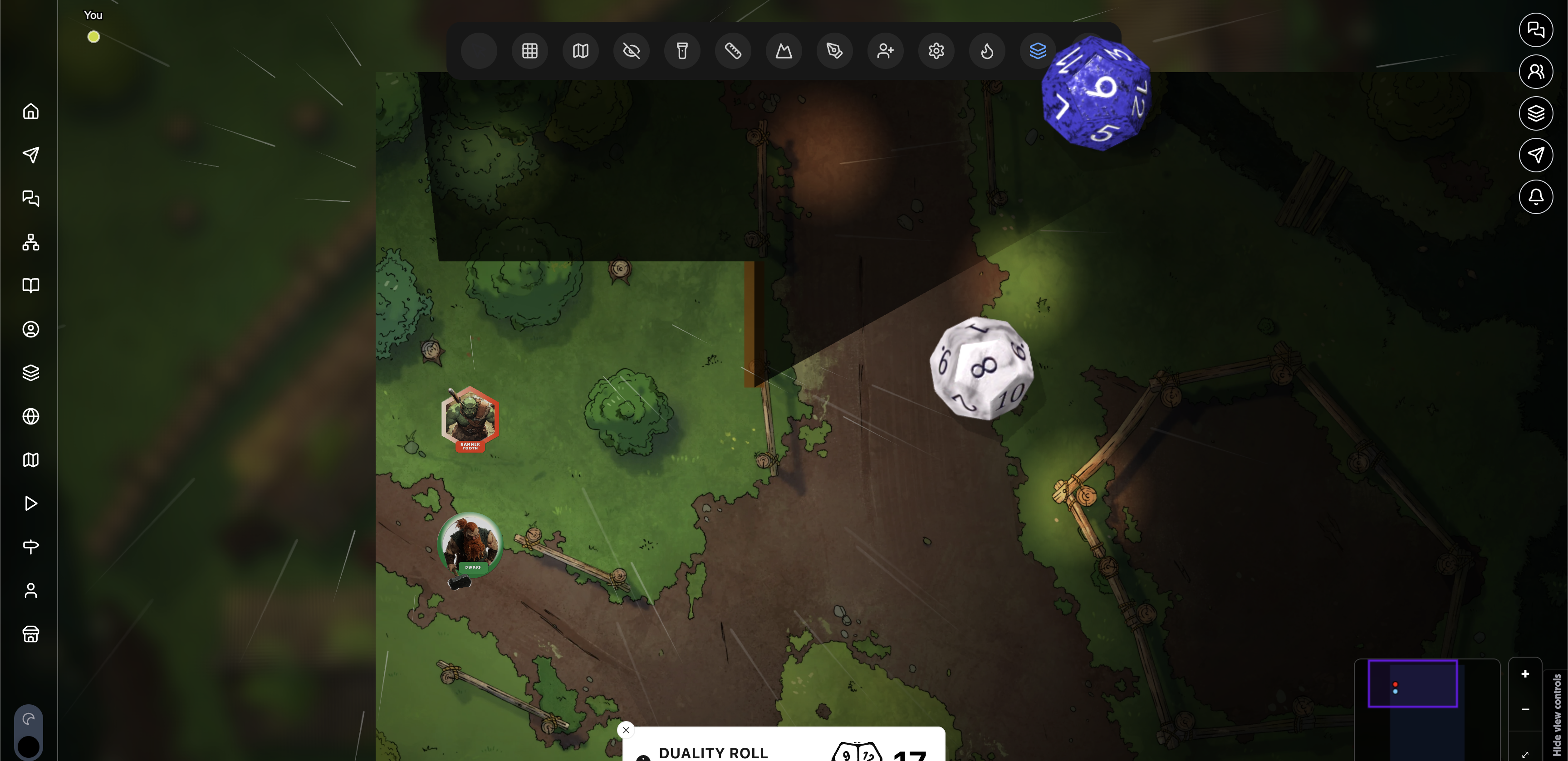
The full PostRoll experience — social feed, worldbuilding, campaigns, and the cinematic virtual tabletop — runs in your browser. Nothing to install, always up to date.
- Any up-to-date browser — Chrome, Edge, Safari or Firefox
- A reasonably modern device for the 3D dice roller and virtual tabletop
- Add it to your home screen or desktop like any other app
Windows
A dedicated desktop app
A dedicated PostRoll window that stays signed in, shows desktop notifications, and opens your saved worlds even before you reconnect.
- Windows 10 or 11 (64-bit)
- ~300 MB free disk space
- Automatic background updates
macOS
Built for Apple silicon & Intel
A first-class Mac app — the same PostRoll, in its own window, with desktop notifications and offline access to your saved worlds.
- macOS 11 Big Sur or later
- Works on Apple silicon and Intel Macs
- ~300 MB free disk space
Android
Your worlds in your pocket
Browse the feed, run your worldbuilding, and reference saved content on the go — with reminders so you never miss a session.
- Android 10 or later
- Works on phones and tablets
iPhone & iPad
Designed for iOS & iPadOS
The mobile PostRoll experience for iPhone and iPad, with home-screen access, reminders and your worlds saved for offline reading.
- iOS / iPadOS 16 or later
- iPhone and iPad supported
System requirements for the desktop and mobile apps are provisional and may change before release.
Your worlds, even without Wi-Fi
The desktop and mobile apps let you pin a world to Save for offline— PostRoll keeps it on your device so you can read and edit on the plane, at the table, or anywhere the signal drops, then syncs it all back up when you're online.
Wiki & lore
Read, edit and create wiki pages, folders and images with no connection.
Maps & atlas
Pins, regions, paths and labels stay editable; linked boards come along read-only.
Timeline
Add and reorder events, layers and calendars — dates finalise when you sync.
Cast & links
Browse your entities and the relationship graph while you're away from Wi-Fi.
Live features like the virtual tabletop and voice chat always need a connection.
Be first to get the apps
Leave your email and we'll let you know the moment the Windows, Mac, Android and iOS apps are ready to download.
About the apps
The web app is live today and runs in any modern browser on desktop, tablet, and phone. Dedicated desktop apps for Windows and Mac, plus mobile apps for iPhone, iPad, and Android, are in active development.
They're in active development and we don't have a firm date yet. Add your email on this page and we'll let you know the moment each one is ready to download.
No — the apps will be free to download. Whichever plan you're on — the free Starter tier or a paid Booster or Collector plan — works the same across every platform, so you're never paying just to get PostRoll on your device.
Yes — Save for offline comes with the desktop and mobile apps. Pin a world to your device and read or edit its wiki, maps, timeline, and cast with no connection; everything syncs back up when you're online. The web app always needs a connection.
Yes. One account works everywhere — your worlds, characters, and settings stay in sync across the web and every app you sign in to.
No installs, no waiting
The whole of PostRoll is ready in your browser right now — start building, playing, and saving for offline today.